Building the Game for Android
Category: SDL Adventure Game
This post was written with AI assistance.
The game now builds as a native Android app. make android produces a
debug-signed APK you can install directly on a phone, and a GitHub Actions
workflow builds one on every push to main and uploads it as a downloadable
artifact. Same C code, no web view involved: the NDK compiles the exact
sources the desktop build uses into a shared library, and SDL’s stock
SDLActivity loads it and calls SDL_main.
Why the port was one #ifdef
SDL2 treats Android as a first-class platform, so the question was never
“can it run” but “how much of the code assumes a desktop”. The answer turned
out to be: one function. The desktop main wrapper is now skipped on
Android — SDLActivity calls SDL_main itself — and that is the entire
diff to the game.
Three properties the code already had did the heavy lifting:
- Every file read goes through SDL. Images, audio, fonts, and the
animation/walk-mask/lip-sync sidecars are all loaded with
SDL_LoadFileorSDL_RWFromFile, neverfopen. On Android those calls resolve relative paths inside the APK’sassets/directory, so the asset resolver works unchanged — the build just packs the asset tree into the APK at the same relative paths it has in the repo. - The renderer already scales. The game renders a logical 800×600 and
SDL_RenderSetLogicalSizeletterboxes it into any output and rescales pointer coordinates. A phone screen is just another window size; the activity locks to landscape and that’s it. - Touch is mouse. SDL synthesizes mouse events from touch by default, including the pressed-button state the drag-and-drop code checks, so taps and drags work without a line of input code.
The build
android/ is a trimmed instance of SDL2’s own android-project template: a
small Gradle project whose Android.mk lists the same engine and adventure
sources as the desktop Makefile. Two scripts do the setup. One downloads the
pinned SDL2 / SDL2_image / SDL2_mixer / SDL2_ttf release sources — each
ships its own Android.mk, and every optional decoder beyond WAV and PNG is
switched off. The other mirrors the shipped asset layers into the APK. Both
outputs are git-ignored; nothing is vendored.
The result is an 18 MB APK: five shared libraries (SDL2, the three
satellites, and the game) plus 171 assets. CI builds it with the runner’s
preinstalled SDK and NDK — the whole workflow is checkout, fetch, sync,
gradle assembleDebug, upload.
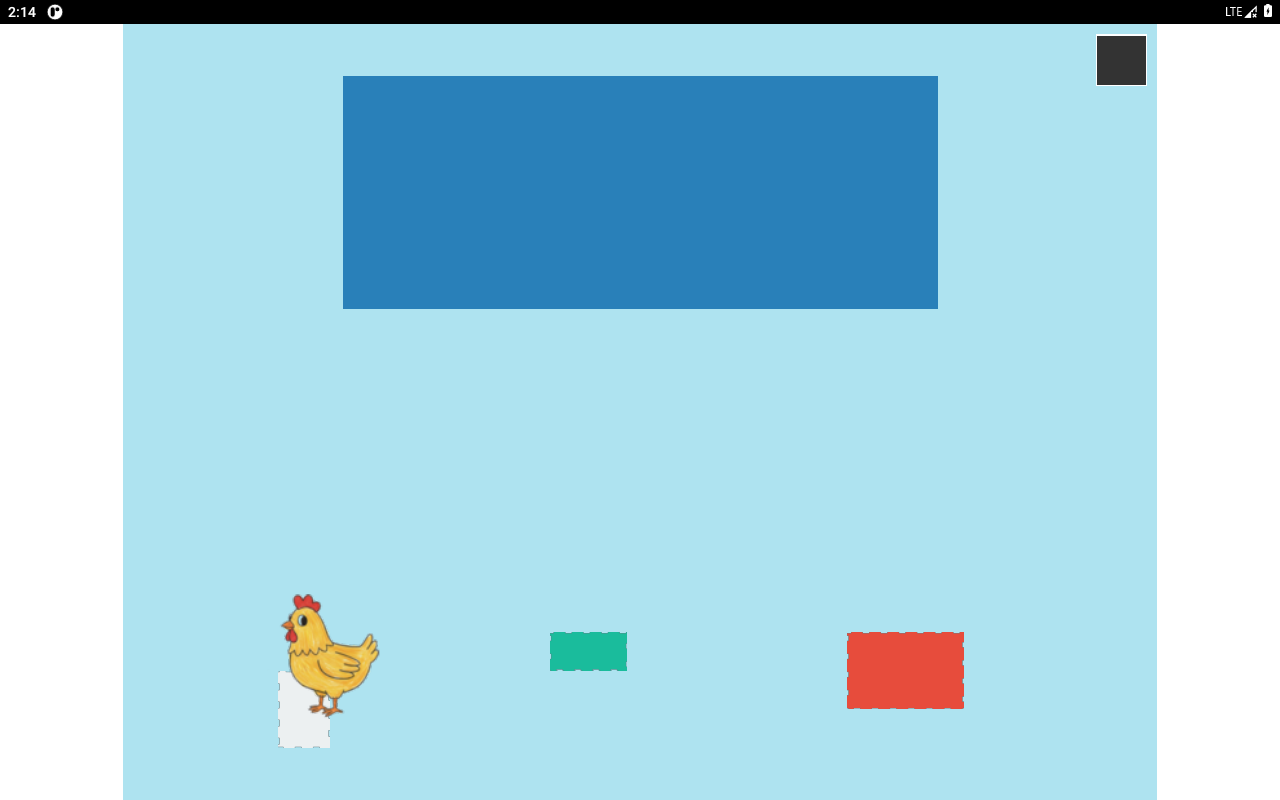
The screenshot above is the APK running in the Android emulator — in software emulation, since the build machine has no KVM, which is also why the session that produced it involved a “System UI isn’t responding” dialog and a lot of waiting. On real hardware the game runs the same code with GPU acceleration.
Not done yet: a launcher icon (it ships with the stock Android one), reading
the device locale (Android has no $LANG, so it falls back to Italian —
the right default for this game), and release signing for an actual store
listing.