Terminal Build Using libcaca
Category: SDL Adventure Game
After getting the game running on macOS and iOS, I wanted to run and test it without a display server at all — straight inside a terminal.
A second front end, same game
I added a terminal build target that renders the game as coloured ASCII art
using libcaca. It lives in three new files —
src/terminal.c, src/terminal.h, and src/main_terminal.c — and reuses every
other source file untouched. The scene framework, the fox state machine, and all
the game logic don’t know they’re drawing to a terminal.
1
2
make terminal
./vaniavolpe_terminal
The target needs the caca development library, resolved through pkg-config
alongside SDL2.
How it works
The trick is to render normally and then redirect the pixels:
- Before
SDL_Init, I setSDL_VIDEODRIVER=offscreenand create a software renderer, so no GPU or display server is required. - Each frame the scene is rendered as usual, then
SDL_RenderReadPixelscopies the 800×600 frame into an RGBA buffer that libcaca dithers onto its canvas withcaca_dither_bitmap. - Input goes the other way: libcaca reports mouse and keyboard events, which I
translate into
SDL_MOUSEBUTTONDOWN/SDL_MOUSEMOTION/SDL_KEYDOWNevents and push onto SDL’s own queue, scaling the character-cell coordinates back into game-pixel space. That waygame_process_inputis identical to the desktop build. - Audio uses the
dummydriver, so SDL_mixer still loads and queries the WAV files; the sounds are just discarded.
caca_set_display_time caps the terminal refresh at around 10 fps, which keeps
CPU usage low while the game logic keeps running at full speed.
A bug the terminal caught
The terminal front end earned its keep immediately by surfacing a movement bug I had never noticed on the desktop. There, the fox always stopped where I clicked; in the terminal it would reach the destination and then keep walking forever.
The cause was that low refresh rate. At roughly ten frames per second each step moves the fox about twenty pixels — far enough to leap straight over the two-pixel window the code used to decide it had “arrived”. On a 60 fps desktop window the steps are tiny and the fox always lands inside that window; with the terminal’s long frames, and the coarse cell-derived click coordinates, it never did.
The fix was to stop on overshoot as well as on arrival: the fox now also stops the moment the dot product of its travel direction and the remaining-distance vector turns negative — that is, the instant it passes the target. (commit)
Playing in the terminal
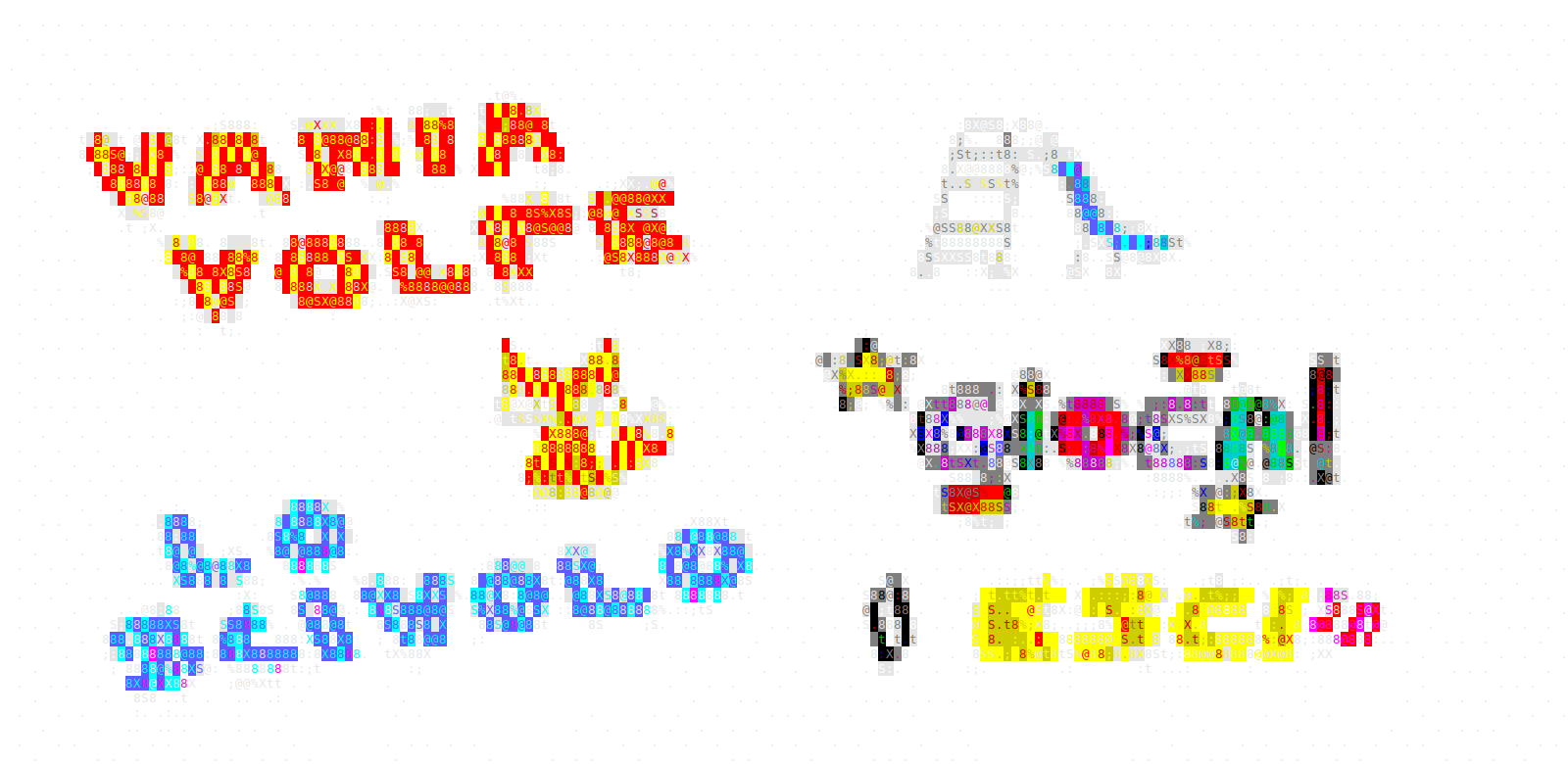
Click anywhere to walk the fox or interact with a hotspot, press d to toggle
the debug overlay, and ESC or q to quit. libcaca puts the terminal into raw
mode, so I also mapped Ctrl+C and Ctrl+D to quit. One last gotcha inside tmux:
add set -g mouse on to ~/.tmux.conf, otherwise tmux eats the mouse events
before the game sees them.